
 US English
 UK English
 Português





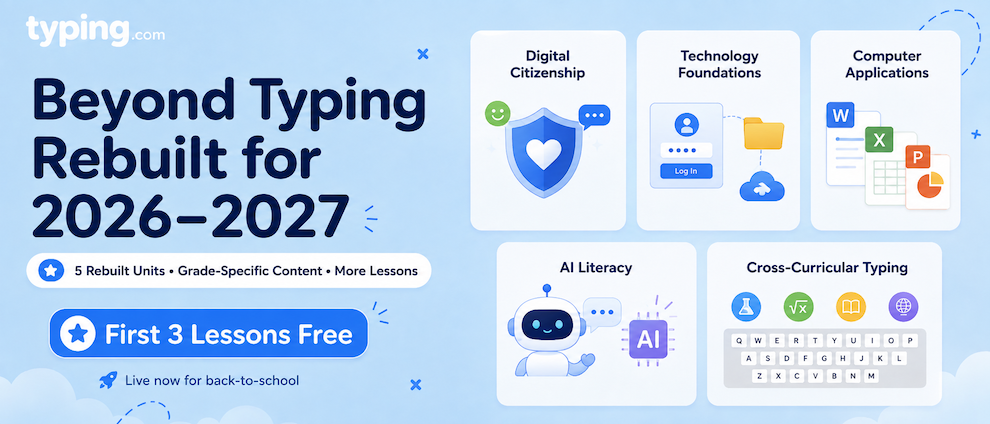
Beyond Typing wasn't just updated for 2026-2027 - it was rebuilt. All-new content, deeper grade coverage, and dramatically more lessons, and it's live in your account right now, just in time for back-to-school.
What's New?
Five units in Beyond Typing have been completely rebuilt from the ground up. Here's what your students will find.
Digital Citizenship
Instruction that builds the judgment to thrive online - from kindness and safety for your youngest students all the way up to privacy and misinformation for older ones. Every grade band gets content written specifically for it, instead of one set of lessons stretched across thirteen grades.
Technology Foundations
The essential tech skills students use in every other lesson, all in one place. It starts with the basics - logging in, saving a file - and builds toward cloud computing and networking. This one used to live inside Digital Citizenship; pulling it out as its own unit means both units get to go deep.
Computer Applications
Word Processing, Spreadsheets, and Presentations, taught inside fully simulated apps built right into Typing.com. Students learn by actually doing the work, and their work is graded automatically. No downloads, no submissions, no stack of documents to score by hand.
AI Literacy
Lessons that build real AI fluency: how it works, what it's good at, and how to use it responsibly. Every interaction is guided and structured - students are never handed an open chatbot.
Cross-Curricular Typing
Speed and accuracy practice that does double duty. Students type real, grade-level content drawn from nine subjects, from science to math - so keyboarding practice reinforces what they're already learning in class.
How Does It Work?
These units plug right into the Typing.com experience you already know. You'll assign them the same way you assign anything else, and track progress through your usual reports.
Want to see them in action before you assign? Every unit has a short video walkthrough so you can preview the experience your students will get.
Try It Before You Commit - Free
Here's the part worth sharing with your team: the first three lessons of every unit are free for you and your students. No PLUS subscription needed. You can explore all five units, run a lesson with your class, and see the difference for yourself before deciding anything.
If you're already on PLUS, every rebuilt unit is included in your subscription - nothing to upgrade, nothing to add.
One Heads-Up on Cross-Curricular
The Cross-Curricular unit you may have been using for free has been replaced by the much larger rebuilt version, which lives in Beyond Typing - and Beyond Typing is a PLUS section. The first three lessons are still free, but if your class leaned on the full free unit last year, now's the time to lock in PLUS so you don't lose access mid-year.
Where Can I Find It?
Head to the Curriculum section of your Teacher Portal and look under Beyond Typing. All five rebuilt units are there to browse, preview, and assign right now.
How Does This Help Me?
The rebuild means you can:
-
Stop grading documents by hand - Computer Applications is taught and evaluated entirely inside the platform
-
Teach AI with confidence - real depth on how AI works and how to use it well, in a safe, guided environment
-
Give students content that actually fits their grade instead of one-size-fits-all lessons
-
Reinforce what you're already teaching by pulling real subject content into typing practice
-
Meet state and national standards across every rebuilt unit
-
Start for free and expand when you're ready
Ready to Explore?
This is the biggest curriculum update we've ever shipped, and it's ready for your first week back. Head to Beyond Typing, try a few free lessons, and see what your students think!