
 US English
 Español
 Português





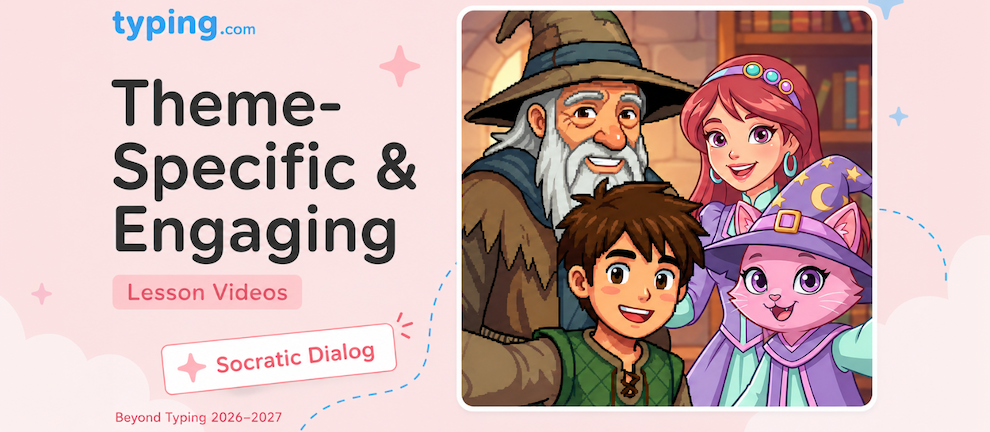
All new Beyond Typing units (except Cross Curricular) now open each lesson with a fully-narrated video intro - and these aren't your standard educational explainers. Depending on which theme or World your student has chosen, the videos either feature Socratic dialog between a mentor and mentee (in the two new Worlds) or a fully redone narrator-led version tuned specifically to the student's grade level (in all other themes). Either way, students get real instructional content delivered through video-not text on a screen.
What's New?
Lessons in Digital Citizenship, Technology Foundations, Word Processing, and AI Literacy now start with video intros that cover the educational material for that lesson. Not a quick teaser, not a fluffy welcome screen - the actual instructional content, delivered through video.
There are two flavors of these videos depending on the student's theme:
The Socratic Dialog Version (New Worlds: Pixel Kingdom and Princess Adventures)
For students using one of our brand-new Worlds - Pixel Kingdom or Princess Adventures - the videos feature the mentor and mentee characters from that World in conversation. The mentee asks the kinds of questions a real student would ask - the questions that come up naturally when you're encountering a concept for the first time. The mentor answers in a way that's engaging, grade-appropriate, and builds the concept step by step.

It's the same teaching method Socrates used 2,400 years ago, and it works because it mirrors how thinking actually happens. When students see a mentee character pause and ask "wait, but what about...?", they get to ask the same question in their own head-and then immediately hear the answer modeled for them.
A student in Princess Adventures gets a princess-themed mentor and mentee walking them through Digital Citizenship. A student in Pixel Kingdom gets the pixel-themed pair. Same lesson content, different cast.

The Narrator Version (All Other Themes)
For students using any of our existing themes, the videos are completely redone with a single-narrator format - still high-quality, still video-first, and still specifically tuned to each grade level in tone, vocabulary, and pacing. Younger grades get a warmer, more energetic delivery; older grades get a more conversational, mature one.
The narrator version doesn't use Socratic dialog, but it's a massive step up from anything we've had before. The instructional content is the same, the production quality is the same, and the grade-specific narration means a 2nd grader and a 10th grader are getting very different, tailored experiences even when learning the same core concept.

Why This Beats Text on a Screen
Three reasons, all backed by what teachers and learning researchers have known for a long time:
Engagement. Students watch videos. Students don't read walls of text. That's not a knock on students - it's just how attention works, especially in a school context where they're already screen-fatigued. A well-made video pulls students in; a wall of text loses them in the first paragraph.
Grade-appropriate delivery. Both the Socratic and narrator versions are tuned to each grade band. A kindergartener and a high schooler shouldn't be hearing the same voice, vocabulary, or pacing - and now they don't.
Retention. Multimedia learning research has been consistent for decades: students who see and hear a concept retain more than students who only read it. And in the Socratic version, adding a second character creates a conversation - which is even more memorable than a single-narrator video.
What This Looks Like in Practice
Take a 3rd-5th grade Digital Citizenship lesson on digital footprints. The old way: a screen of text explaining what a digital footprint is, followed by a quiz.
The new way (Socratic version, in Pixel Kingdom or Princess Adventures): the student's chosen mentee asks the mentor, "What do you mean by 'footprint'? I'm not even walking anywhere when I'm online." The mentor introduces the wet sand metaphor - every click, post, search, and message leaves a trail that doesn't wash away. The mentee follows up with the natural next question: "But it goes away when I close the app, right?" The mentor explains why it doesn't. By the end of the video, the student has the concept and they've watched their World's characters work through it together.

Where You'll See This
Video intros open for nearly all lessons in:
-
Digital Citizenship
-
Technology Foundations
-
Word Processing - Computer Applications 1
-
AI Literacy
The two Cross Curricular units don't use video intros - their typing-first lesson format works differently, with the academic content carried directly through the typing passages themselves.
How Does This Help You?
The rebuilt video intros mean you can:
-
Cover real instructional content without lecturing. The video does the teaching; you do the support
-
Reach students who tune out of text. Students will watch a 2-minute video they'd never read as a paragraph
-
Give every student a grade-appropriate experience. Both the Socratic and narrator versions are tuned to the student's grade band
-
Offer something special to students in the new Worlds. Pixel Kingdom and Princess Adventures get the Socratic dialog version, which is one of the most effective teaching patterns ever developed
-
Make every lesson feel like part of the same experience. Consistent format across all four rebuilt units means students know what to expect
Ready to See One?
Head into any lesson in Digital Citizenship, Technology Foundations, Word Processing, or AI Literacy in the "Beyond Typing 2026/27 PREVIEW" section and hit play. The difference between this and any educational video you've shown in class before will be obvious in the first thirty seconds.

For the bigger picture on everything that's changing for 2026-2027, see the full summary of the Beyond Typing rebuild.